•
IT Services
•
Collections
•
Automate Accounts Receivable
•
Reduce DSO
•
Accounting
April 28, 2026
How Automated Collections Is Changing MSP Operations
The MSP Challenge: Manual Invoice Follow Ups Are Costing You More Than You Think
The biggest hidden cost in MSP billing is not the payment processing fee. It is the time your team spends chasing invoices that should have been collected automatically. Manual follow-up emails, phone calls to clients who have not paid, and the monthly reconciliation scramble add up to hours that compound as your client book grows.
The fix is not working harder at collections. It is removing the manual steps entirely with automated billing and collections software. This guide covers what that software looks like for MSPs, how to evaluate it, and what to expect from a modern automated billing stack.
What Automated MSP Billing and Collections Software Does
Automated billing and collections software for MSPs handles the full payment lifecycle without manual intervention at each stage. The five stages and what automation looks like in each:
Invoice issuance. Invoices generate from your PSA based on agreement terms and are pushed to the payment platform automatically. No manual export, no CSV upload, no re-entry.
Client communication. Reminder sequences run on a configurable schedule across every client account without your team initiating each one. Pre-due date reminders, due date reminders, and escalating post-due reminders all go out automatically.
Payment collection. Auto-pay charges stored client payment methods on the due date. Retry logic handles failed transactions without manual follow-up for each exception. Clients who pay manually do so through a branded self-service portal.
Reconciliation. Every payment maps to the originating invoice and posts to your accounting system with invoice-level detail, fee separation, and correct GL mapping. No manual matching. No end-of-month deposit reconciliation.
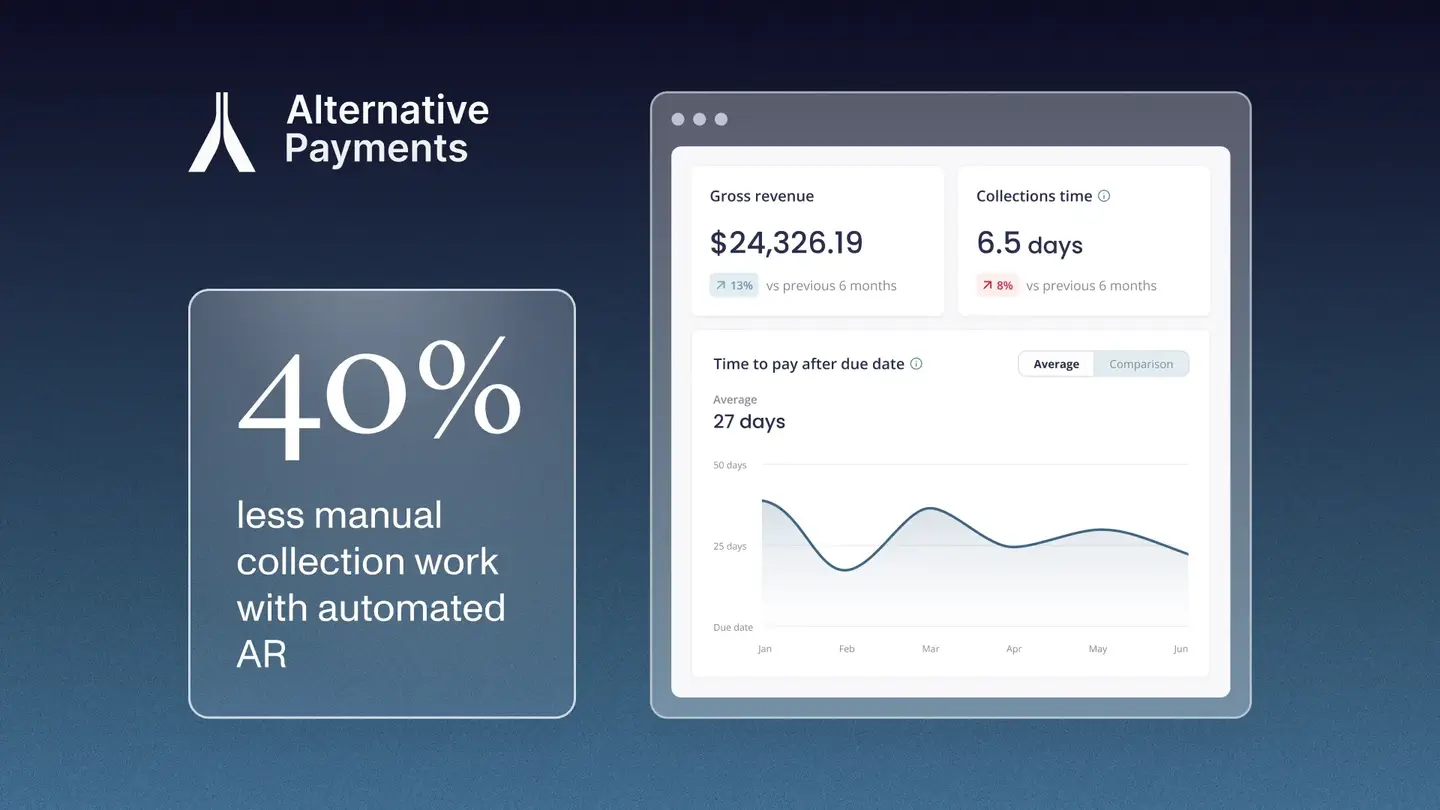
Reporting. DSO, overdue rates, and on-time payment ratios surface in a single dashboard. Finance leaders see exceptions in real time rather than discovering them at month end.
When all five stages run automatically, the billing and collections workflow becomes a background function. Your team handles exceptions rather than routine operations.
What to Look for in MSP Billing and Collections Software
Not every platform that claims to automate MSP billing actually delivers full lifecycle automation. Here are the capabilities that separate purpose-built MSP platforms from generic alternatives.
Native PSA integration with bidirectional sync
The integration must pull invoice data from ConnectWise, Autotask, or HaloPSA automatically and push payment status back in real time. Integrations that require CSV exports, batch imports, or middleware connectors leave reconciliation gaps that require manual bridging.
ACH without per-transaction fees
ACH is the right default for recurring MSP billing because it costs less than card and settles predictably. Platforms that charge per-transaction ACH fees make ACH more expensive at volume. Flat-fee platforms that include ACH make the economics of recurring billing more predictable.
Auto-pay with retry logic
Auto-pay removes the manual collection step for enrolled clients. Retry logic for failed transactions removes the manual follow-up step for payment exceptions. Both are necessary for auto-pay to function without staff intervention.
Invoice-level reconciliation to QuickBooks or Xero
Platforms that post payments to accounting as deposit totals leave the matching step as manual work. Invoice-level reconciliation means each payment posts to the specific invoice it covers, with no manual matching required.
Automated collections across the full client book
Reminder sequences that require manual initiation per account do not scale. The platform should run configurable reminder and escalation sequences across every client account simultaneously, without your team triggering each one.
How Alternative Payments Delivers Automated MSP Billing
Alternative Payments was built for US and Canadian MSPs running on recurring revenue. The platform integrates natively with ConnectWise, Autotask, and HaloPSA, collects via ACH with no per-transaction fee and card with built-in surcharging compliance, and reconciles every payment to QuickBooks Online, QuickBooks Desktop, or Xero at the invoice level automatically.
Collections Assist handles reminder sequences and AR follow-up without your billing team initiating each action. Client-facing financing including installments and B2B buy now pay later is available through the same white-labeled client checkout that handles ACH and card. Setup completes in 1 to 3 business days for the PSA connection and 5 to 10 business days for full configuration.
MSPs on the platform reduce overdue invoices from 20.5% to 6.7% and reach an average DSO of 5 days, based on internal platform data. Firms report saving 5 to 8 hours per week in billing administration within the first billing cycle after full rollout.
Book a demo to see how automated billing and collections maps to your specific PSA environment and accounting stack.
Simplify your customer payments, unlock instant cash flow
Keep reading

AP Automation Software for Mid-Market Service Companies: What to Automate First